for QuickBooks Online users

QuickBooks runs the books. We build the rest.

QuickBooks handles the accounting well. Consolidating several companies, combining it with your other systems and chasing what needs doing still end up in spreadsheets and inboxes. We build those pieces on top of the QuickBooks you already have.

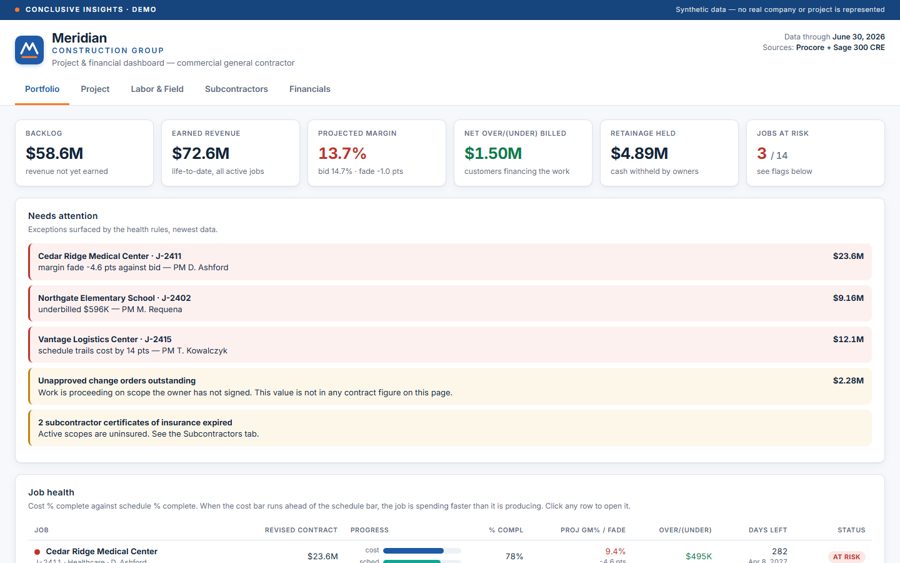
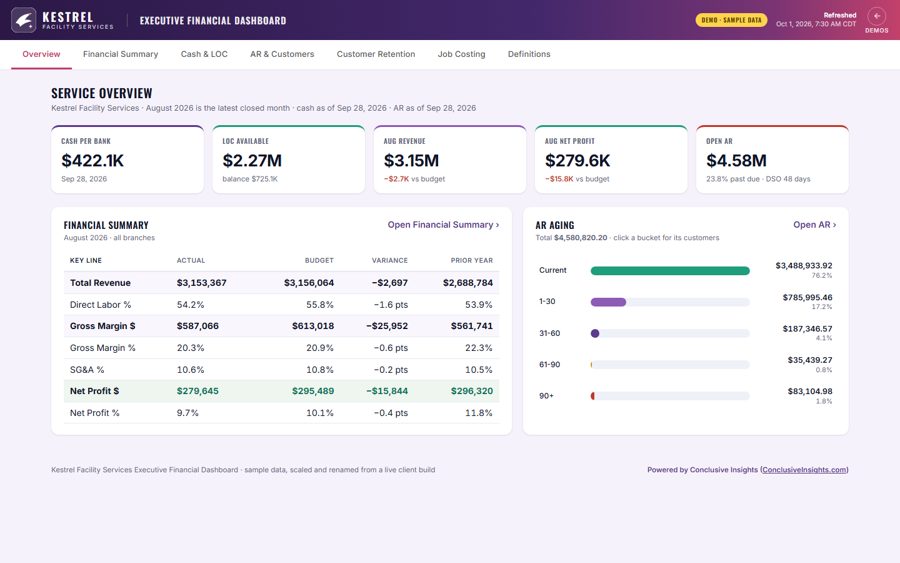
Example CFO dashboard with cash, revenue, net profit, open receivables and AR aging (sample data)

Where QuickBooks teams end up in spreadsheets

You run more than one company

QuickBooks Online keeps each company in its own subscription. Seeing them together usually means exporting to Excel, or moving up to Intuit Enterprise Suite.

What we build: One set of statements across every company, with a view for each one and a click through to the transactions.

Your numbers live in more than QuickBooks

Your CRM, job or field-service software, timesheets and inventory system each hold part of the picture. QuickBooks reports only see what's in QuickBooks.

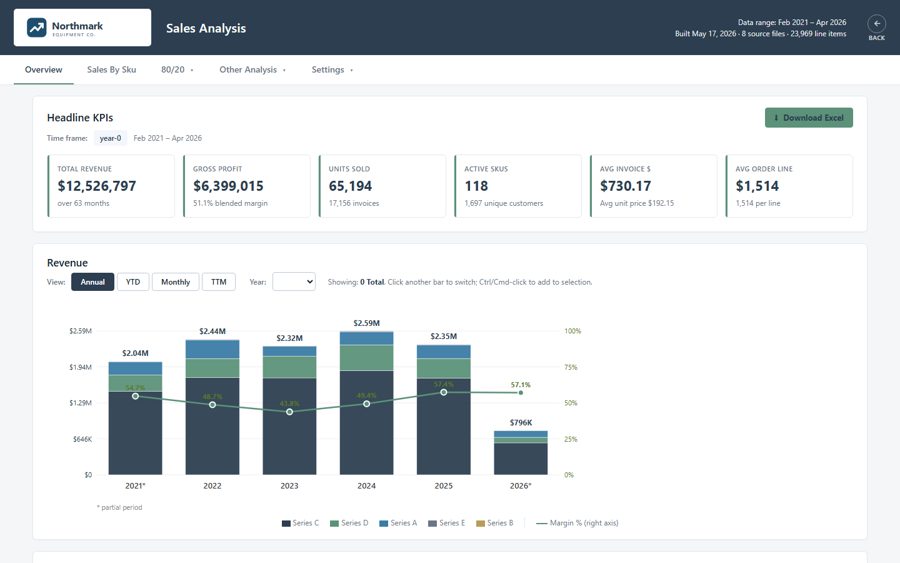
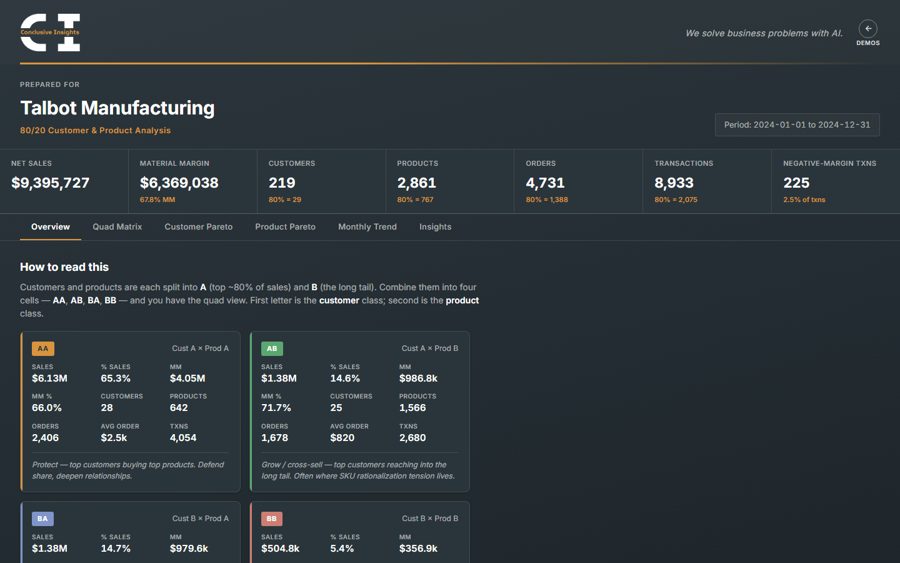
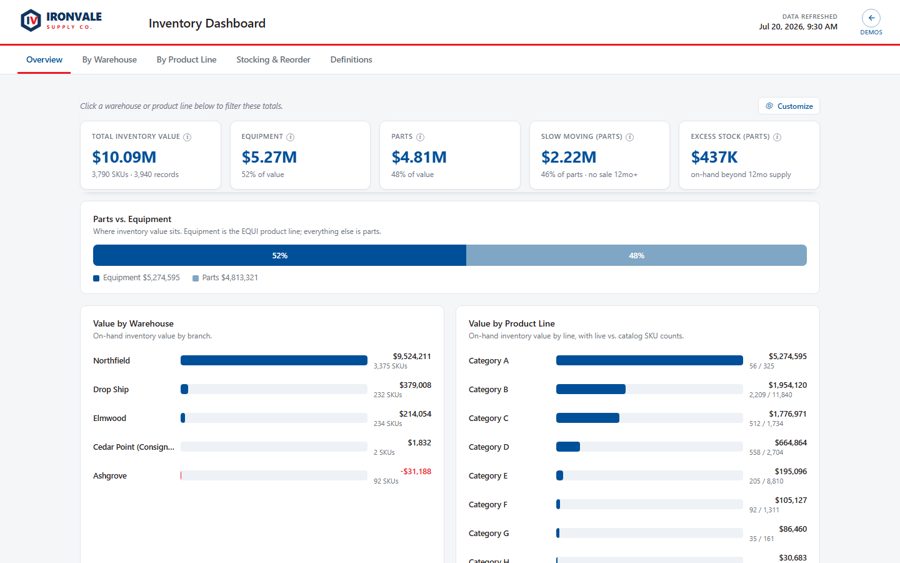
What we build: Dashboards that combine them, so you can see margin by job, customer or product, including the labor and costs that never reach QuickBooks in detail.

Month-end gets rebuilt in Excel

If someone exports the same reports every month and reassembles them into the owner's package, that's days of work, and it's out of date the moment it's done.

What we build: A management dashboard that refreshes on its own: cash, receivables, margin trends and budget against actual, with what changed called out.

Follow-up runs on memory

Collections calls, quote follow-ups and the steps that involve people outside accounting depend on someone remembering to do them.

What we build: Automation that reads QuickBooks and acts around it, like past-due reminders that escalate by customer and stop as soon as the payment shows up.
Ryan connected our QuickBooks data into clean, automated financial statements across our companies displaying company-specific views which are not available in QBO directly. … A pleasure to work with.
David Stockwell Prosperity

How it connects

Nothing about how your team uses QuickBooks changes. We connect to it, read what we need and build around it.

  • Intuit's official connection. We connect through QuickBooks Online's standard app connection, approved by an admin on your side, and you can disconnect it at any time.
  • We read from QuickBooks. We don't change your books. The dashboards and automations work from your QuickBooks data without writing back into it.
  • Built in your cloud account. Everything we build lives in a subscription you own, signed in with your company logins. There's no monthly fee from us.
  • Fixed price. After the free mockup, you get one price for the project, agreed before we start.

Questions QuickBooks users ask

Do we need a different QuickBooks plan?

Usually not. The reporting and automation run outside QuickBooks, so most of what we build doesn't depend on your plan. We'll confirm it on the first call.

Will this change anything in QuickBooks?

No. We read your QuickBooks data. Your books, your chart of accounts and the way your team works in QuickBooks stay the same.

Can you combine several QuickBooks companies?

Yes. That's one of the most common things we build: one set of financial statements across all of your companies, plus a view for each company.

What does it cost?

We start with one free mockup dashboard. If you want to go ahead, you get a fixed price for the project. Hosting runs in your own cloud account, usually at a small monthly cost, with no monthly fee from us.

What is your ERP missing?

Tell us what's done in spreadsheets, by email or by hand today, and we'll build you a free mockup of one dashboard showing what the fix could look like. Send an export of your data, or we'll use realistic sample numbers.

info@conclusiveinsights.com

rather talk it through?

Book a 30-minute call